 OnceUponaBookshelf
From a story idea to bedtime, in three steps
Write a prompt, generate on-device, and read it together — or let a warm narrator read it for you.
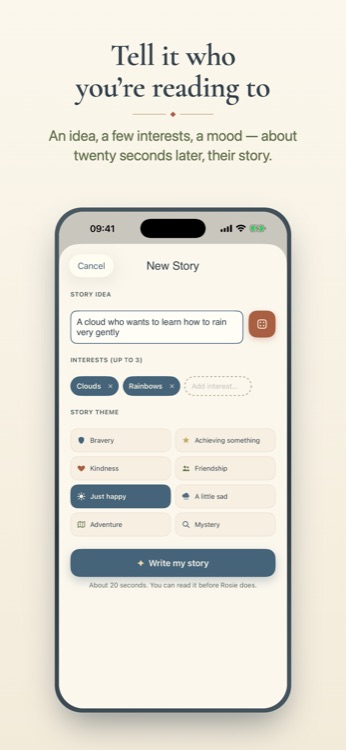
Tell it who you're reading to
Give it a name and age, a story idea, up to three interests, and a mood — bravery, kindness, adventure, or just happy. That's the whole form. No account, no sign-up.
It writes on-device, in seconds
OnceUponaBookshelf generates the story on your device using Apple's on-device model, so it works without sending your child's details to a server. If a device can't run the on-device model, the app falls back to Claude Haiku for that one story — and nothing is kept afterwards either way.
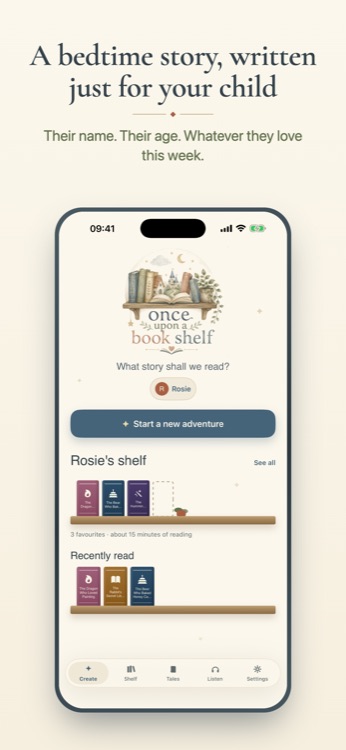
Read it together, or let it read itself
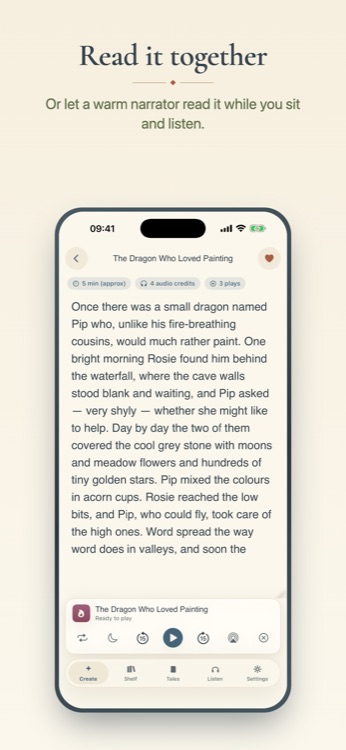
Read the story on-screen together, or have it narrated aloud by a warm, professional storyteller voice instead of a robotic text-to-speech voice. The narration is generated once, then saved to your device so you can replay it anytime. Every story lands on your child's shelf, ready to reread whenever they ask.
What "on-device" actually means. Generation happens using Apple's on-device Foundation Models framework, running locally on your iPhone. Your child's name, age, interests and story idea never leave the device for a story written this way. Claude Haiku, from Anthropic, is used only as a fallback on devices that can't run the on-device model — and even then, nothing is stored once the story is delivered.
Ready to write tonight's story?
Free to try. A subscription unlocks unlimited stories.